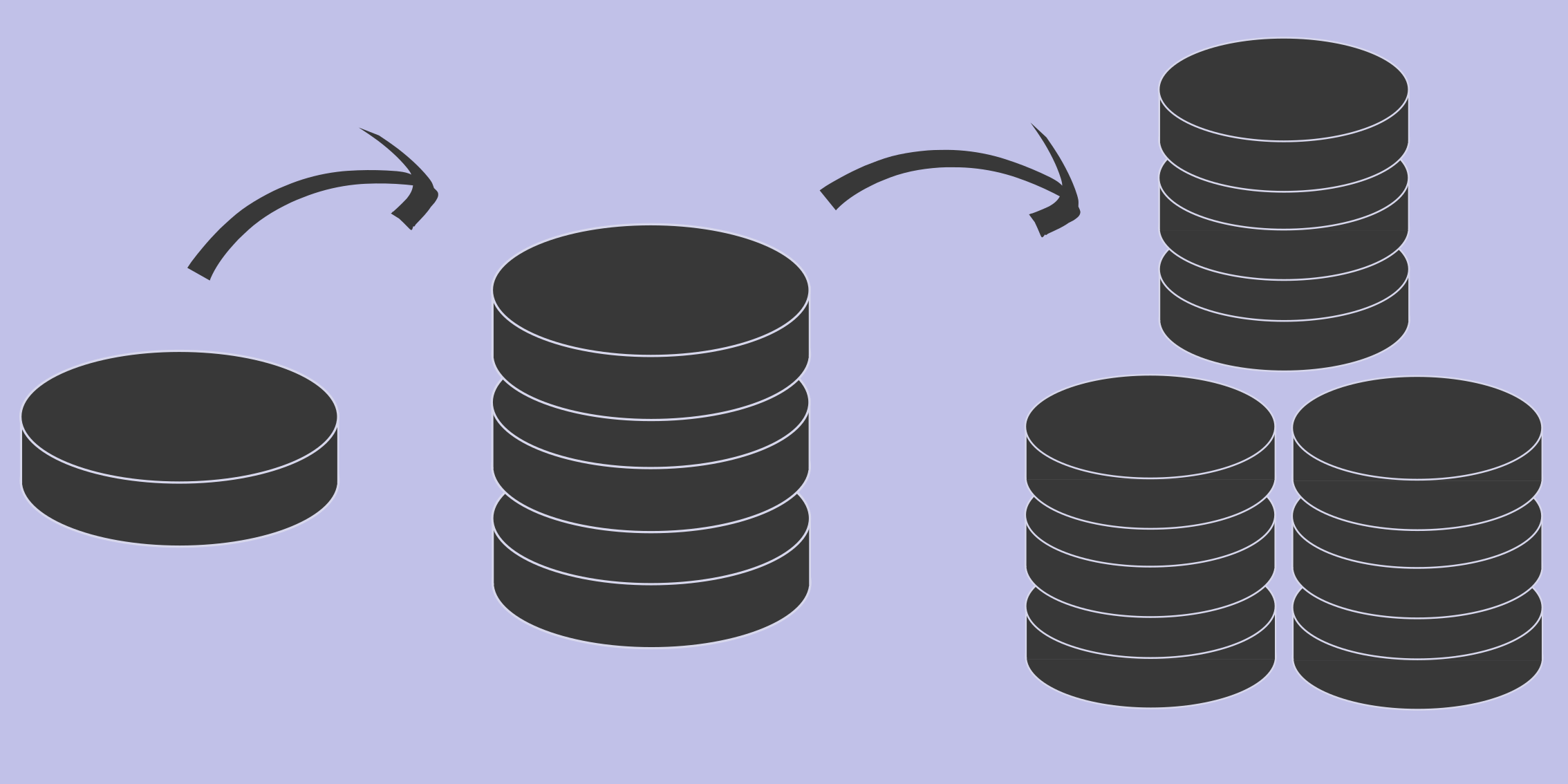
Map of scaling and managing storage systems
Long-term data storage is the foundation of all systems. It’s where persistent data is stored, including your OS (or firmware), runtimes, dependencies, logs, user data, and more. Storage needs vary greatly depending on the use case.
In this post, I aim to provide a map to guide you through your storage journey, with a focus on the Linux/Unix application world. This guide assumes you have a basic understanding of your storage needs and that you’re managing the hardware or as simple interested in the option of self hosted hardware.
Workloads
Storage workloads can be categorized into various “features” and sub-features, which are not mutually exclusive. Below are common features and examples of scenarios where each may be required:
- Read
- Random reads (e.g., reading single rows from a database with little order)
- Sequential reads (e.g., reading a video file)
- Read throughput (e.g., backing up a database as quickly as possible)
- Write
- Random writes (e.g., updating a single row in a database)
- Sequential writes (e.g., writing a video file)
- Write throughput (e.g., restoring a database quickly)
- Capacity (e.g., storing video recordings long-term)
- Latency
- Read latency (e.g., displaying a stored image quickly to a user)
- Write latency (e.g., updating a single row in a database)
- Redundancy (e.g., ensuring you don’t lose your database backup)
It’s often cost-prohibitive to optimize for all of these features in a single workload. By segmenting your workloads, you can achieve a balanced solution at a more desirable price point.
Example Workloads
- Database Backups: Latency is less critical, but read/write throughput and redundancy are essential.
- Network Video Recorder (NVR): Latency and throughput are less important; only sequential reads/writes and capacity are key considerations.
Tiered Storage
Tiered storage is a cost-saving technique that moves data across different storage media based on its lifecycle. For example, “hot” data (frequently accessed and updated) may be kept on SSDs, while “cold” data (rarely accessed) may be moved to HDDs. This is not a backup system but can complement backup strategies.
Drives
Generally, “drives” refer to swappable storage devices attached to a system to provide persistent storage. These can be divided into two primary types:
-
HDDs (Hard Disk Drives)
- Mechanical spinning drives with platters.
- Offer a better cost-to-capacity ratio than SSDs.
- Lifespan depends on spin time, with spin-up and spin-down contributing to wear.
- Slower seek times, which can vary based on data locality.
-
SSDs (Solid State Drives)
- No moving parts.
- Have a worse cost-to-capacity ratio compared to HDDs.
- Lifespan is based on write cycles.
- Consistent and nearly nonexistent seek times.
Common Form Factors and Interfaces
- 3.5” (Mostly for compatibility with HDDs)
- SATA (6Gb/s)
- SAS (12Gb/s)
- 2.5” (Also mostly for compatibility with HDDs)
- SATA (6Gb/s)
- SAS (12Gb/s)
- NVMe (4x PCIe lanes, 32Gb/s for PCIe Gen 4.0)
- M.2 (Exclusive to SSDs)
- NVMe (4x PCIe lanes, 32Gb/s for PCIe Gen 4.0)
- SATA (6Gb/s, rare in low-end consumer hardware)
- U.2 (Found in mid to high-end servers)
- NVMe (4x PCIe lanes, 32Gb/s for PCIe Gen 4.0)
- E3 (Common in high-end storage servers)
- NVMe (4x-16x PCIe lanes, 4x is the most common)
- PCIe Slot (Used if extra lanes are available or no other PCIe options exist)
- NVMe (4x-16x PCIe lanes, 4x is the most common)
HDDs are most commonly found in 2.5” and 3.5” form factors, while SSDs are available across various interfaces and form factors.
Tape
Tape storage is still widely used, offering a highly competitive cost-per-capacity ratio and acceptable sequential read/write speeds (200-1000MB/s). However, seek times are much slower. Large organizations often use tape for long-term backups or archival purposes.
Tape systems come in both automated and manual versions. Automated systems can manage thousands of tape drives without human intervention.
Drive Chassis
In the rackmount world, most servers come with front-loading drive bays. Some may have back-loading or internal bays that require the top to be removed. For maximum HDD density, top-loading servers are also available. The highest density is generally achieved with SSDs in the E3 form factor, with capacities reaching petabytes in a single 2U system.
Outside of servers, there are also JBODs (Just a Bunch Of Disks), also called drive shelves. These are essentially backplanes with power supplies and disks, connected to compute servers. There is usually no RAID control, so the connected system must manage RAID or treat the disks individually.
RAIDs
RAIDs (Redundant Array of Independent Disks) are used primarily for local storage that doesn’t need to span multiple servers. RAID controllers are hardware components that accelerate common RAID tasks. Many RAID controllers can be switched to IT/passthrough mode, allowing individual disks to be accessed directly, which is useful for distributed storage.
Common RAID levels include:
- RAID 0: No redundancy. Data is split evenly across drives, increasing read/write speeds.
- RAID 1: Full data mirroring. Data is written to all drives, improving read speed and allowing rebuilds as long as one drive remains intact.
- RAID 5: Data parity is split across drives. You can lose one drive and rebuild the array. Requires at least three disks.
- RAID 6: Similar to RAID 5 but with two copies of parity, allowing recovery from the failure of two drives. Requires at least four drives.
- RAID xx: It’s common to mix RAID types, such as RAID 50, which is a RAID 5 array where each disk is part of a RAID 0 configuration.
RAID cards help reduce compute overhead and improve throughput, but they don’t support multiple systems reading from the array directly. In cases where multiple hosts need access, a network-distributed storage solution may be preferred.
Distributed Storage
As workloads grow in size and reliability demands, distributed storage becomes a solution. Distributed storage systems combine multiple servers into one logical storage unit.
Popular distributed storage software includes:
- Ceph
- OpenEBS
- Longhorn
- GlusterFS
- Lustre
- SeaweedFS
- HDFS
- MinIO
- Linstor
Some of these systems overlap in functionality, but many can be layered for enhanced features.
Further readings
If you are looking to dig deeper I would recommend checking out the following resources: